


WebTextEditor provides a method to insert media to the editor.
In this topic, you will learn how to insert media.
To insert media to WebTextEditor
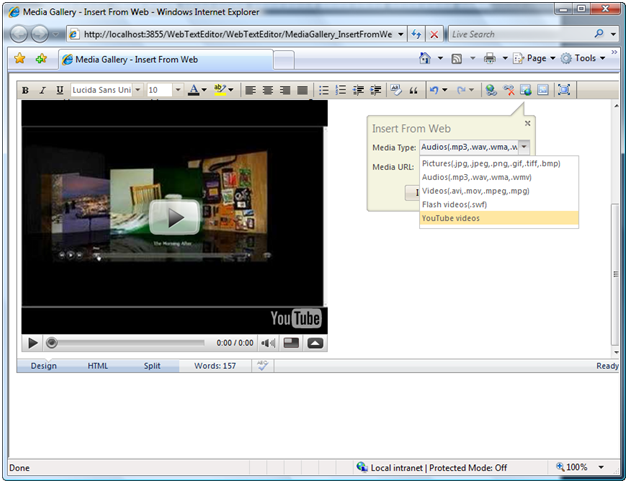
- Simply click on the Insert From Web command in the toolbar to display the callout.
- Define the Media Type such as Pictures, Audios, Videos, Flash videos and YouTube videos.
- Define the Media URL and then click Insert Media.
 See Also
Other Resources
{Insert Media}